




















You just need the inside(r) track.
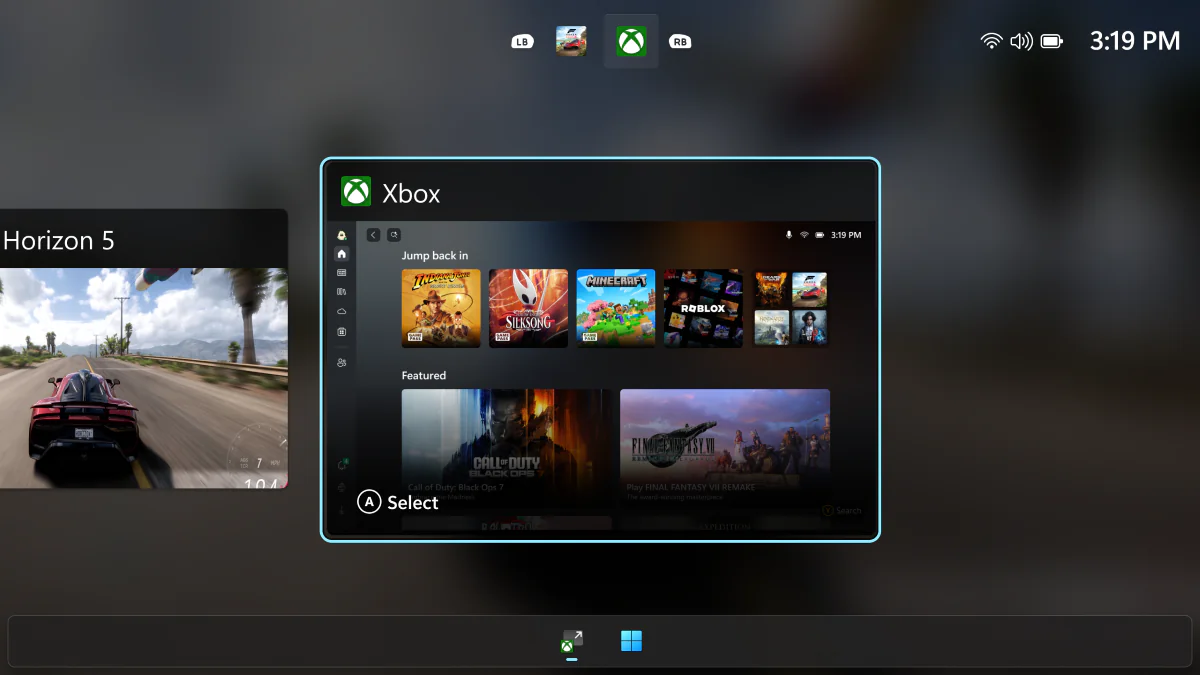
Those with MSI Claw handhelds can now use the same Xbox Full Screen Experience that comes pre-loaded on ROG Xbox Ally and ROG Xbox Ally X devices, though you’ll have to be a member of the Windows Insider program to do so.
To be able to access the feature, you’ll need to access the Windows 11 Insider Preview Build 26220.7051 (KB5067115). We’ve got details on how you can accomplish that below.
How to access the Xbox Full Screen Experience
Those with an MSI Claw will need to first join the Windows Insider program, so here are all the steps necessary to do so:
- Go to Settings > Windows Update > Windows Insider Program
- Select the Dev or Beta streams
- Go back to Settings > Windows Update and download all necessary updates
- Once complete (you’ll likely need a reboot), go to Settings > Gaming
- Enable Full Screen Experience
Microsoft has also advised that “Additional OEMs” will be “enabling their handhelds in the coming months,” so look out for that if you’ve got a different handheld.
You can also read our review of the ROG Xbox Ally X to see what we think of the Full Screen Experience itself.
This article may contain affiliate links, meaning we could earn a small commission if you click-through and make a purchase. Stevivor is an independent outlet and our journalism is in no way influenced by any advertiser or commercial initiative.