












Support is now live!
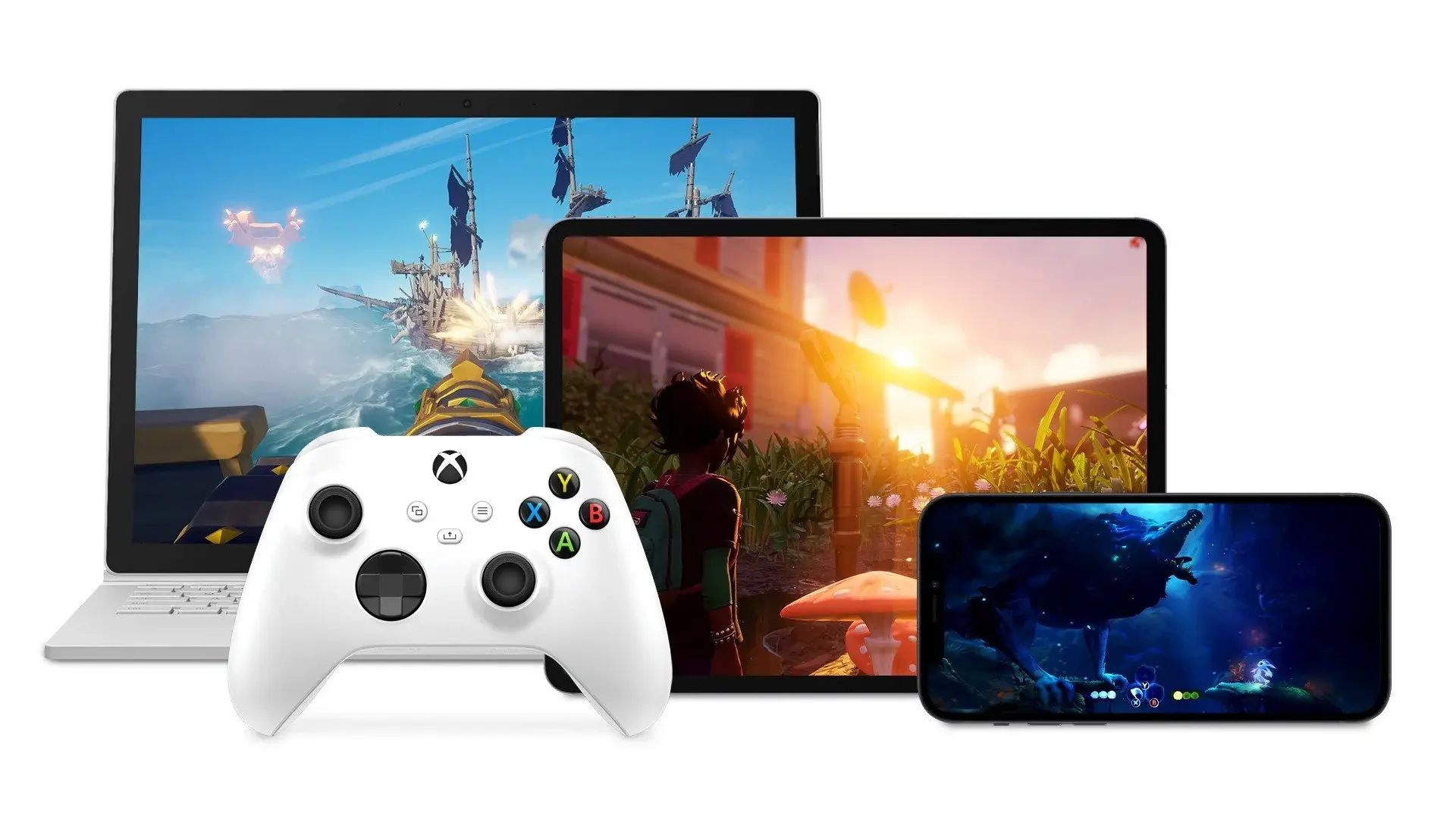
iOS support of both the PS5 and Xbox Series controllers isn’t just around the corner — it’s here! Available as part of iOS 14.5 and up, that particular update has now been released by Apple.
You can update your device to 14.5 by heading to Settings > General > Software Update and following the prompts. Then you’re ready to pair!
How to pair an Xbox Series controller with your iOS device
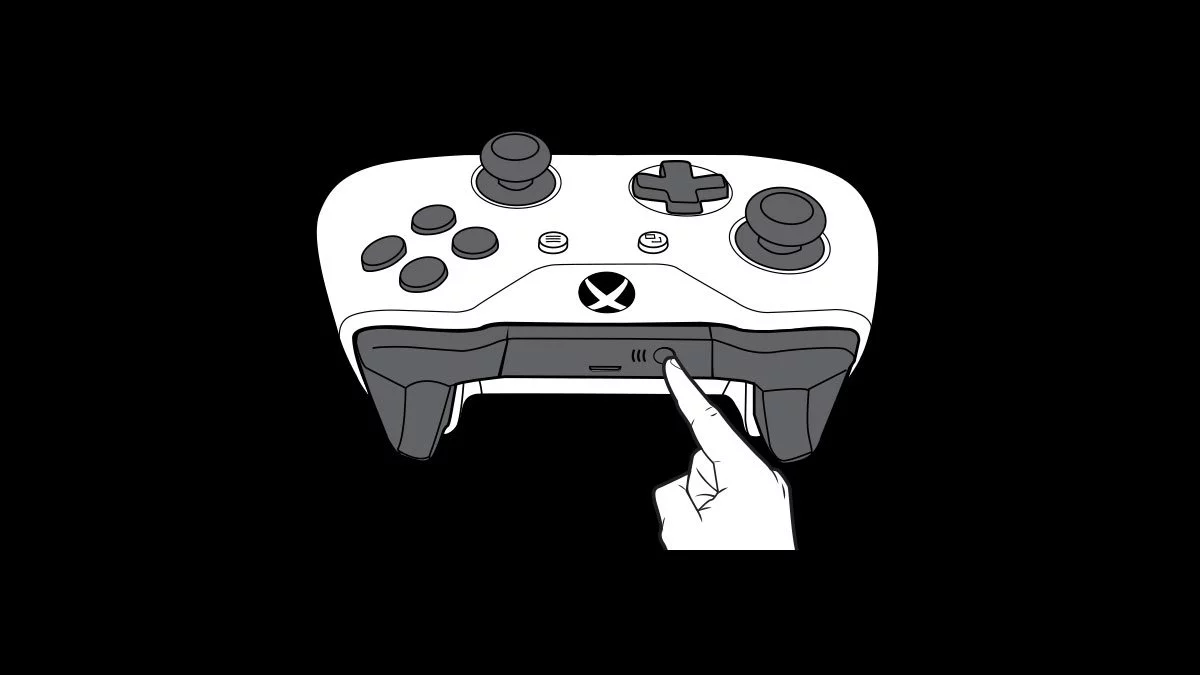
- Hold down the Pair button on your controller until the Xbox button flashes in quick strobes.
- On your iOS device, go into Settings > Bluetooth and look for “Xbox Wireless Controller [####]” under Other Devices.
- Click on that controller to begin pairing. If you’ve paired before, you can connect the controller by selecting it under My Devices.
You’re ready to play.
How to pair a PS5 DualSense controller with your iOS device
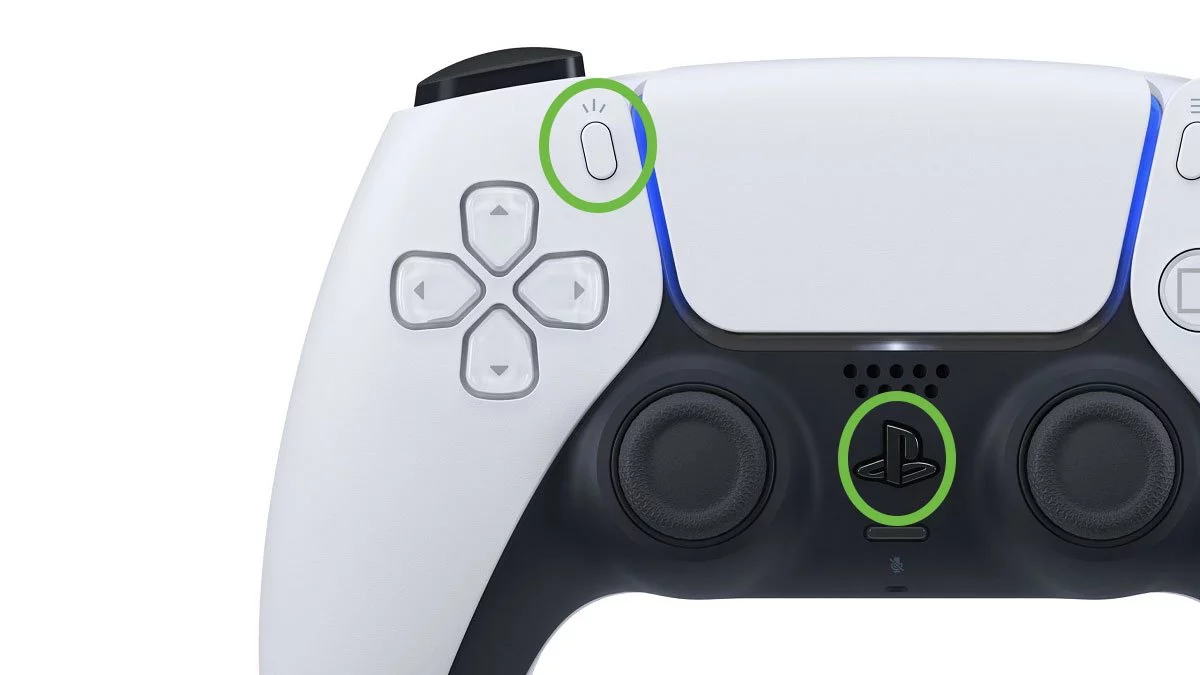
- Hold down both the Share and PlayStation buttons on your DualSense until the Touchbar light begins to flash (this takes a bit of time, be patient!).
- On your iOS device, go into Settings > Bluetooth and look for “DualSense Wireless Controller” under Other Devices.
- Click on that controller to begin pairing. If you’ve paired before, you can connect the controller by selecting it under My Devices.
You’re ready to play.
(Outdated) How to join the Apple Beta Software Program
Prior to the official release of iOS 14.5, you had to sign up to the Apple Beta Software Program to get the update early. We leave the instructions here for posterity.
- From your iOS device, head to this page and sign up for the program.
- Once signed up, you’ll be asked to download a Profile to your phone.
- Head to Settings > General > Profile to use the profile. You’ll also need to disable any VPN in use.
- Download the beta update and let your device install it.
Once installed, you’ll now have support for the new controllers! The Beta program is currently offering up iOS 14.6 as of the time of writing.
This article may contain affiliate links, meaning we could earn a small commission if you click-through and make a purchase. Stevivor is an independent outlet and our journalism is in no way influenced by any advertiser or commercial initiative.