

















Big wins for PC players.
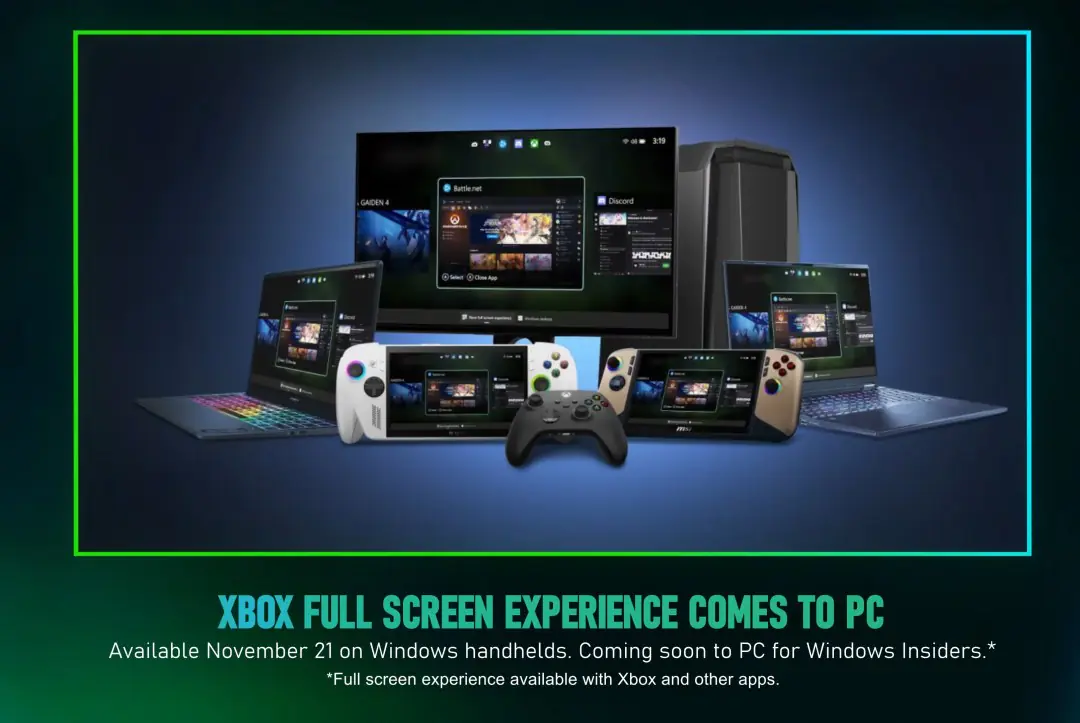
The Xbox Full Screen Experience will roll out to all Windows-based handhelds from today, followed by all Windows-based PCs “soon” according to Microsoft.
The Xbox Full Screen Experience is handmade for handhelds, using less resources than a full installation of Windows. The mode is part and parcel for the ROG Xbox Ally and ROG Xbox Ally X, though has already rolled out for MSI Claw handhelds as well.
If you’re using a Windows-based handheld, hit up Windows Update and install any applicable updates (and likely do the same within your handheld’s specific control centre), then navigate to Settings > Gaming > Enable Full Screen Experience.
If you’re using a proper Windows-based PC, you’ll also need to enroll in the Windows Insider program to access the proper build. To do so, go to Settings > Windows Update > Windows Insider Program, then enroll in the Dev or Beta streams.
If you’re on a Windows handheld, we’ve also made a handy guide here that helps to set up any game or application to run in the resource-reduced mode. It’s so ridiculously useful!
This article may contain affiliate links, meaning we could earn a small commission if you click-through and make a purchase. Stevivor is an independent outlet and our journalism is in no way influenced by any advertiser or commercial initiative.